
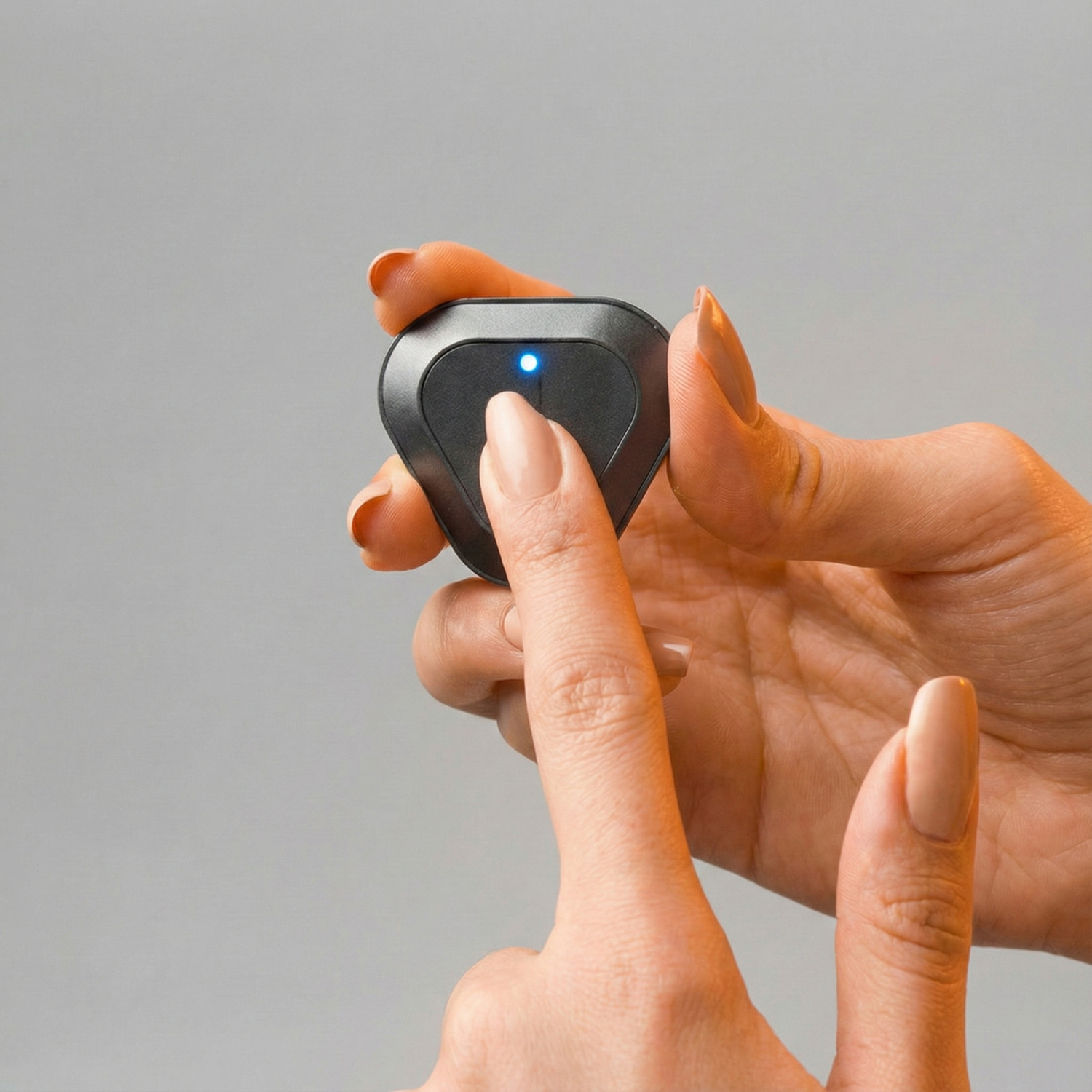
Turning On the Straight+ Device
1. One-Click Activation
When you press the top button once, you will see a blue or green light blinking — this indicates that the device has turned on.
Note:
If the light does not turn on and you do not receive any vibration feedback, the battery is likely empty. In this case, connect your device to the charger using the Type-C cable included in the box and wait at least 15 minutes. Make sure the red light on the device turns on while charging so you can confirm that charging has started correctly.

/One_Click_Kodgem_Straight.gif)
2. Long-Press Activation
If you selected the “Long Press” mode in
Settings → Button Settings,
holding the button for a few seconds will turn on the device.
/Buton_ayarlar_Kodgem_straight.jpg)
Changing Button Settings
Go to Mobile App → Settings → Button Settings, where you can choose between one-click or long-press activation options and easily customize how your device turns on. You can select the preferred option as shown in the image below.
Methods to Turn Off the Straight+ Device
1. Turning Off by Holding the Button
- Press and hold the button for 5 seconds
- The red LED will blink
- A gentle vibration will follow
These signals indicate that the device is turning off.

/Button_Turn_Off_Kodgem_Straight.gif)
2. Automatic Shutdown on a Flat Surface
When the device is placed horizontally on a flat surface and remains still:
It will automatically shut off after 2 minutes.

/Turn_Off_Horizontal_Kodgem_Straight.gif)
3. Shutdown When Posture Is Not Set
If posture calibration is not completed, the device will:
- Send a triple vibration every 10 seconds
- Automatically shut off within 2 minutes

/Not_Posture_Kodgem_Straight.gif)
4. Shutdown When the Battery Is Empty
When the device runs out of battery:
- The red LED blinks
- The device shuts down automatically
/Charge._Kodgem_Straight.gif)
5. Turning Off Through the Mobile App
From the quick menu in the mobile app, you can turn off the device instantly by tapping “Turn Off Device.”
/App_Turn_Off_Kodgem_Straight.gif)
Conclusion
Straight+ simplifies your experience with both manual and app-based power controls, intelligent auto-shutdown modes, and an energy-efficient design. The Kodgem Straight ecosystem doesn't just correct your posture — it helps you build a more active, balanced, and mindful lifestyle.


Leave a comment
This site is protected by hCaptcha and the hCaptcha Privacy Policy and Terms of Service apply.