
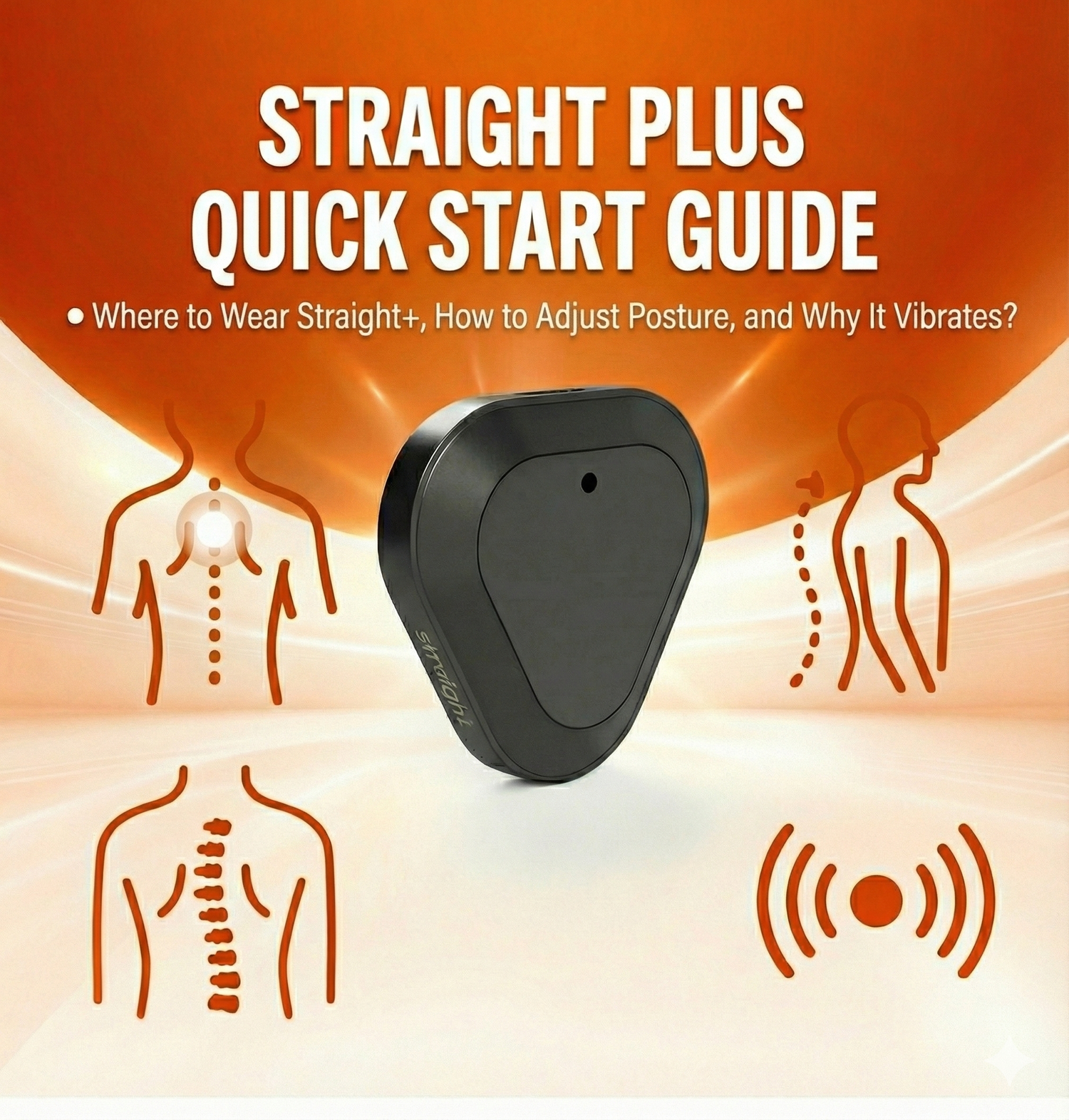
A healthy spine and proper posture are essential for overall well-being and daily comfort. Kodgem Straight+ is an intelligent posture correction device designed to help you build good posture habits naturally. To get the most accurate results from your device, you need to understand three key points:
- Where should I place the Straight+ device on my back?
- How do I set my posture during first-time use?
- Why and how does Straight+ vibrate?
In this comprehensive guide, you’ll find clear and practical answers to all three questions.
1) Where Should Straight+ Be Placed on the Back?
For accurate data collection, Straight+ should be placed on the upper spine, between the two shoulder blades. This area allows the sensors to read posture angles with maximum accuracy.
Note: After placing the device on your spine, calibrating by double-tapping on the device or using the mobile app allows Straight+ to correctly recognize its position. If calibration is successful, the device is placed correctly. If the device can calibrate while centered on your spine, you are already at the ideal placement.
If you wonder, “Did I place it correctly?”
If you can calibrate the device while standing upright, it means the device is in the correct position.
Things you should NOT worry about:
- The device may sit slightly tilted.
- The triangular shape may face upward or downward.
None of these affect performance. The only important point is ensuring that the back surface of the device touches your skin and the button faces outward. The rest is automatically interpreted by the device’s internal AI during calibration.
a) Sticker Use
When using adhesives: After your skin is clean and dry, simply place the device on a spot you can comfortably reach that aligns with your spine.

B) Necklace Use
When using the necklace: Ensure the device aligns with the center of your spine.
This allows Straight+ to accurately analyze your daily posture patterns.
/Kodgem_straight_Placing_Necklace.gif)
2) How to Set Your Posture with Straight+
Posture calibration allows the device to learn your personal ideal posture angle. If this calibration is not performed, the device will notify you with consecutive triple vibrations every 10 seconds.
If the device repeatedly gives triple vibrations every 10 seconds while on your back, it is not calibrated and requires posture adjustment. If not calibrated, the device will automatically turn itself off after a while.
There are three different methods to perform posture calibration:
a) Posture Setup on the Device
- Stand in an upright and natural posture.
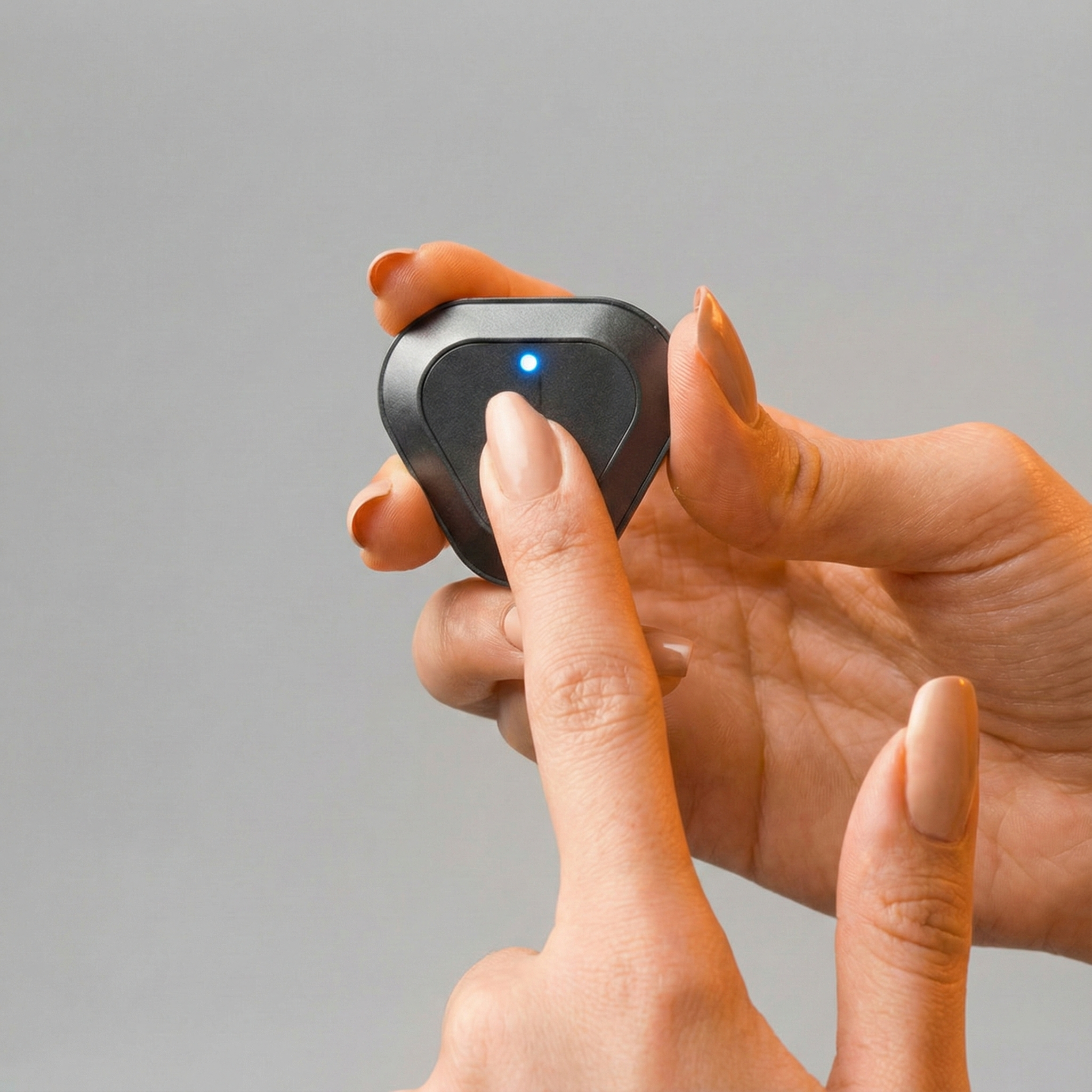
- While the device is on your back, double-tap the button to calibrate.
- If the device vibrates “di-z di-zzz-it” (short + long) consecutively, the calibration was successful.
Note:
If you receive only a single short vibration or a single long vibration, it means the device was not calibrated or a mode was changed. Always wait for the “short + long” confirmation vibration.
Note:
If you use the mobile app, you can instantly see whether the calibration is successful. If you are not using the app, the “short + long” vibration is sufficient proof of successful calibration.
If posture calibration is not done:
The device will send triple vibrations every 10 seconds as a reminder.
/Not_Posture_Kodgem_Straight.gif)
b) Posture Calibration via the Mobile App
After opening the app, go to the Posture Setup section from the quick menu or the settings and tap Set My Posture. Then, switch to an upright and comfortable position and press the Set My Posture button.
After this step, you will feel a “buzz-buzzz” (short + long) vibration on your back; this vibration indicates that you're standing upright and your posture has been successfully calibrated.

c) Posture Calibration with Apple Watch
You can also swipe left on your Apple Watch screen to access the Posture Setting menu and quickly calibrate your device.

3) Why and How Does Straight+ Vibrate?
Thanks to BioFeedback technology, Straight+ gives gentle vibrations when your posture begins to collapse.
These vibrations act as teaching signals that train your brain to correct your posture.
To understand why the device vibrates, you should know the following situations:
a) Posture Calibration Reminder
If posture calibration is not performed, the device:
- Sends a triple vibration every 10 seconds.
This means: “Please set your posture.”
The device requires posture calibration in these two scenarios:
- When the device is turned off and on again.
- When the device detects a change in posture or placement and begins vibrating every 10 seconds.
/Not_Posture_Kodgem_Straight%201.gif)
b) Training Mode Vibrations
In Training Mode: If a rounded or slouched posture continues for the personalized duration (3, 5, or 10 seconds), the device vibrates to warn you.
This mode is designed to strengthen your posture muscles over time.
/Kodgem_straight_Stand_1.gif)
c) Daily Mode Vibrations
In Daily Mode, vibrations are controlled by AI:
- Detect prolonged slouching
- Provide corrective vibration feedback when necessary
Note: Unlike Training Mode, Daily Mode learns your overall posture habits and warns you especially when you remain slouched for an extended period. The timing of the vibration alerts is automatically determined by the AI algorithm based on your posture data. Therefore, you may receive an alert within 30 seconds, 1.5 minutes, or even 5 minutes—the timing is entirely decided by the AI.
When you're in Daily Mode, if the device warns you too frequently or your alert pattern changes over time, the AI will periodically send you notifications. For this reason, keeping the mobile app running is important for more efficient use of the device.
So, what kind of notification does the app send? For example, you might receive a message like:
“I’ve warned you 8 times in the last 20 minutes, please pay more attention to your posture.”
The mobile app regularly delivers such reminders.
As long as the app is running in the background, you will receive these notifications. If the app is not running, you will only be notified through the device’s vibration alerts.
/Kodgem_Straight_Kamburluk.png)
d) Mode Switching Vibrations
Different vibration patterns are used when switching modes:
- Switching to Training Mode → 3-2-1 short vibrations
- Switching to Daily Mode → short + long vibration (“di-z di-zzz-it”)
These signals make it easy to understand which mode the device is in, even if the mobile app is not open (meaning the device can also be used completely independently without opening the app).

Conclusion: A Natural Step Toward Better Posture with Straight+
When placed correctly, calibrated properly, and fully understood, Straight+ becomes a powerful and intelligent posture training assistant.
With this guide, you now know:
✔ Where to place your Straight+ device
✔ How to perform posture calibration
✔ Why and when the device vibrates
It's the perfect time to take a step toward a healthier, more upright life!
👉 Click here for more information about Kodgem Straight.


Yorum yazın
Bu site hCaptcha ile korunuyor. Ayrıca bu site için hCaptcha Gizlilik Politikası ve Hizmet Şartları geçerlidir.